Introduction
Flet is a framework that allows building web, desktop and mobile applications in Python without prior experience in frontend development.
Flet app example#
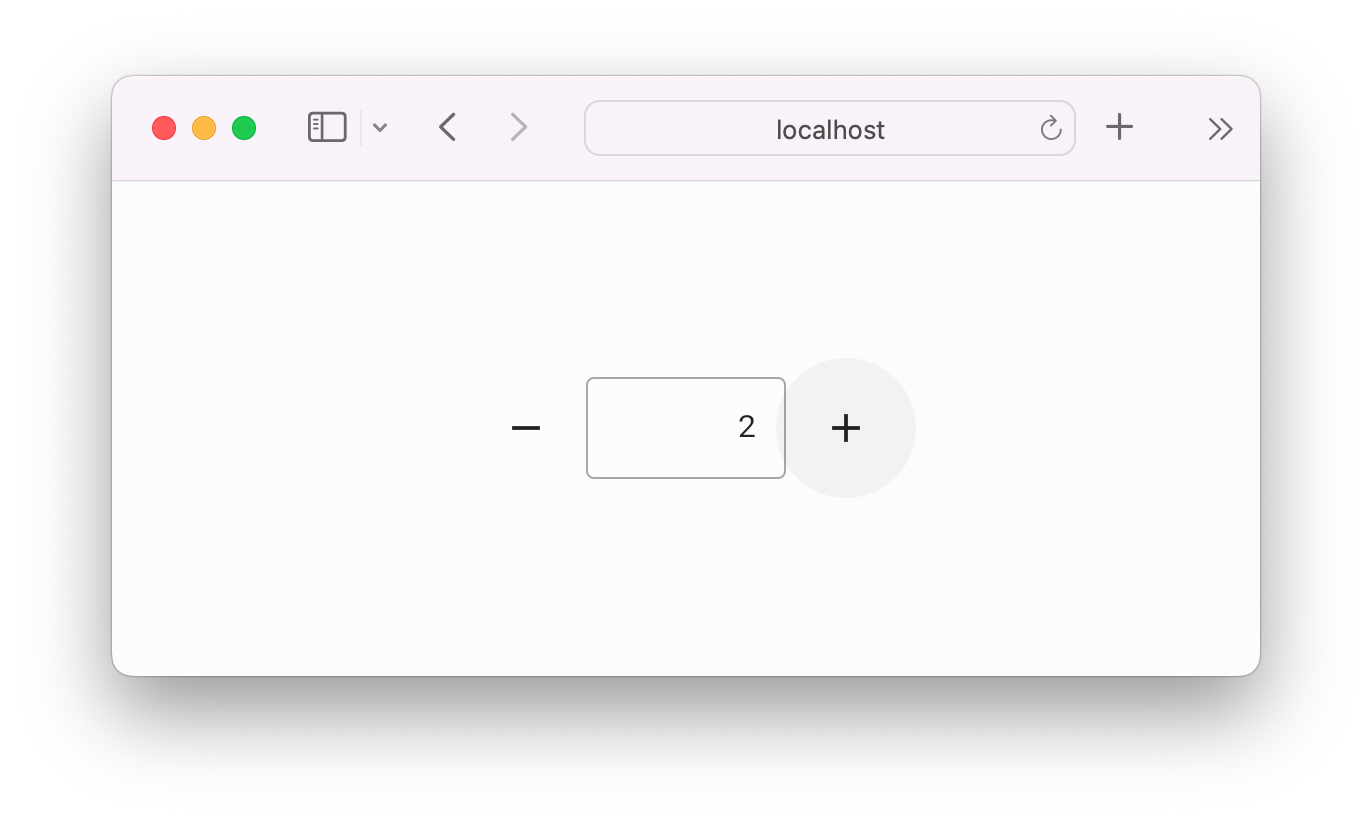
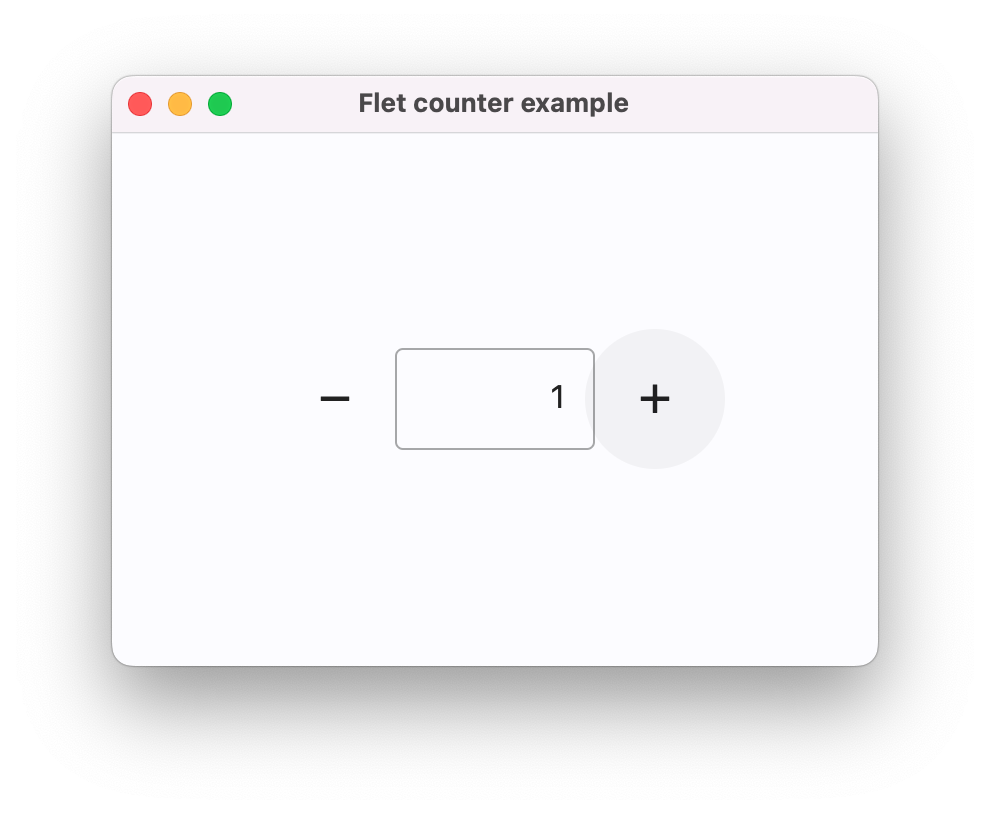
Below is a simple "Counter" app, with a text field and two buttons to increment and decrement the counter value:
counter.py
import flet as ft

def main(page: ft.Page):
    page.title = "Flet counter example"
    page.vertical_alignment = ft.MainAxisAlignment.CENTER

    input = ft.TextField(value="0", text_align=ft.TextAlign.RIGHT, width=100)

    def minus_click(e):
        input.value = str(int(input.value) - 1)

    def plus_click(e):
        input.value = str(int(input.value) + 1)

    page.add(
        ft.Row(
            alignment=ft.MainAxisAlignment.CENTER,
            controls=[
                ft.IconButton(ft.Icons.REMOVE, on_click=minus_click),
                input,
                ft.IconButton(ft.Icons.ADD, on_click=plus_click),
            ],
        )
    )

ft.run(main)
To run the app, install flet:
then launch the app:
This will open the app in a native OS window - what a nice alternative to Electron! 🙂
To run the same app as a web app use --web option with flet run command: